Security & Compliance

InvestorFlow delivers enterprise-grade security, governance, and compliance through a zero-trust architecture, secure development practices, and continuous threat monitoring to protect client data across our SaaS platform. With certifications including SOC 2 Type 2 and ISO/IEC 27001:2022, and adherence to global privacy laws like GDPR and CCPA, we help clients meet regulatory requirements with confidence. Visit our Trust Center for information security and compliance documents and resources.

Book a Demo

Security

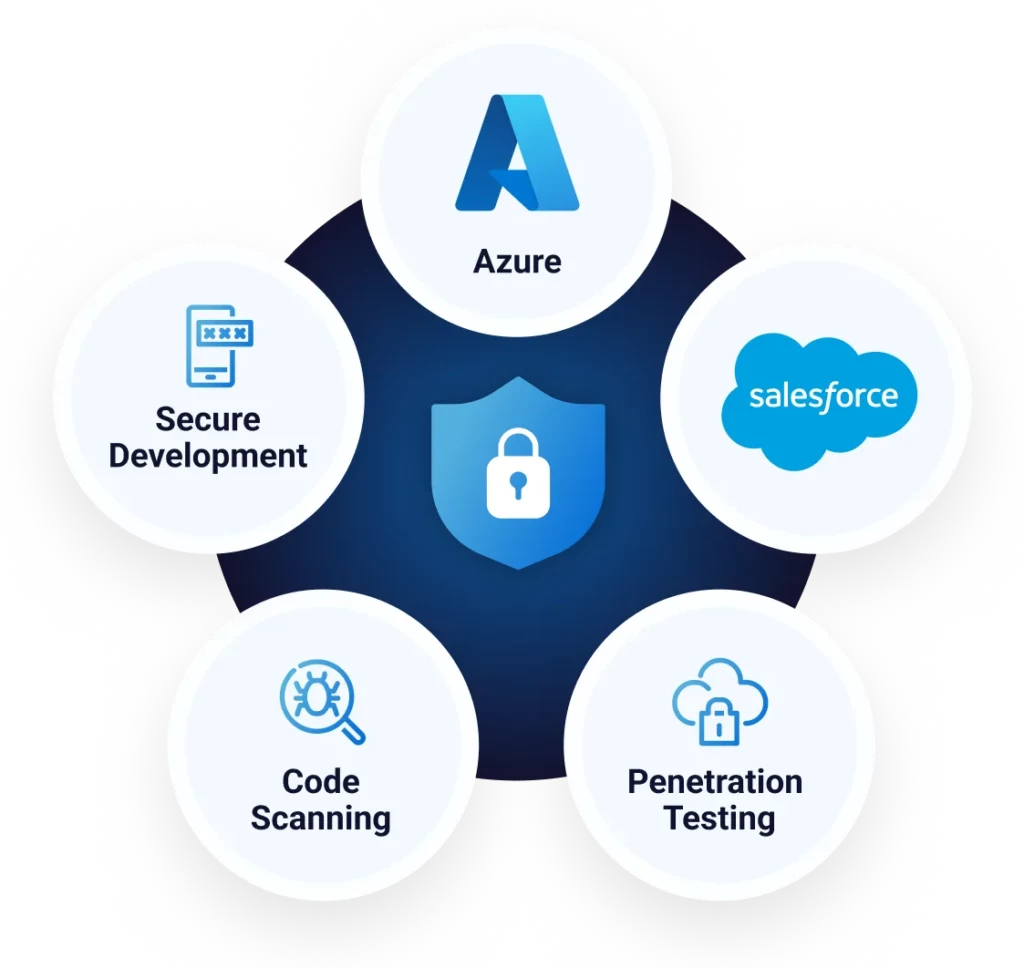
At InvestorFlow, security is at the core of everything we do. As a SaaS provider operating on Microsoft Azure and Salesforce, we implement industry-leading security practices to ensure the protection of our clients’ data. Our multi-layered security approach includes penetration testing, regular code scanning, secure development methodologies, and a zero-trust architecture. 

Penetration Testing 

We conduct regular third-party penetration testing across all our product suites to identify and remediate vulnerabilities before they can be exploited. These assessments simulate real-world attacks to test the resilience of our applications and infrastructure, ensuring continuous improvement of our security posture. Penetration Test evidence reports are available at our Trust Center.

Regular Code Scanning 

Our development pipeline integrates automated and manual code-scanning tools to detect security vulnerabilities early in the development cycle. We embrace a shift-left culture, embedding security testing as early as possible in our development process. By leveraging industry-leading scanning tools, including static and dynamic analysis, we proactively identify and address security risks before they reach production. 

Secure Development

We follow secure software development lifecycle (SDLC) best practices, incorporating security at every stage of the development process. Our engineers are trained in secure coding standards, and we enforce rigorous code reviews and security audits to minimize risks. Additionally, we leverage threat modelling to anticipate and mitigate potential security threats. 

Zero-Trust Security Model 

Our security architecture is built on a zero-trust framework, ensuring no user or device is automatically trusted. Access controls are strictly enforced using multi-factor authentication (MFA), least privilege principles, and continuous monitoring. We apply network segmentation, identity verification, and real-time security analytics to minimize potential threats.

As part of our zero-trust approach, we utilize Azure Privileged Identity Management (PIM) to enforce a least privilege model. PIM enables just-in-time access with approval workflows, ensuring that elevated permissions are granted only when necessary and for a limited duration. Access requests undergo a review and approval process, providing full visibility and auditability of privileged actions. This reduces the risk of excessive permissions and strengthens our security posture. 

Data Protection & Threat Defense 

We employ advanced encryption technologies to protect data at rest, ensuring that sensitive information remains secure. Our systems utilize AES-256 encryption to safeguard stored data, meeting industry compliance requirements. Additionally, we deploy robust defense tools and web application firewalls (WAFs) to monitor, detect, and mitigate threats such as DDoS attacks, SQL injection, and cross-site scripting (XSS). These security measures provide a substantial barrier against cyber threats, ensuring the integrity and confidentiality of our clients’ data.

At InvestorFlow, we are committed to providing our clients with a secure and reliable platform. Our ongoing security efforts help safeguard your data and ensure compliance with industry standards and best practices.


Take a 30 minute 
tour of InvestorFlow

Company Logos

Promo Form

"*" indicates required fields

This field is for validation purposes and should be left unchanged.

Book your personalized 
30 minute demo now

MM slash DD slash YYYY
This field is hidden when viewing the form